Getting Started with Ron360
Getting Started with Ron360
Ron360 is the Fleet360 AI assistant. Use Ron360 to ask questions about the fleet data you have access to, such as assets, work orders, PM schedules, parts, costs, compliance, and related activity.
Where to find Ron360
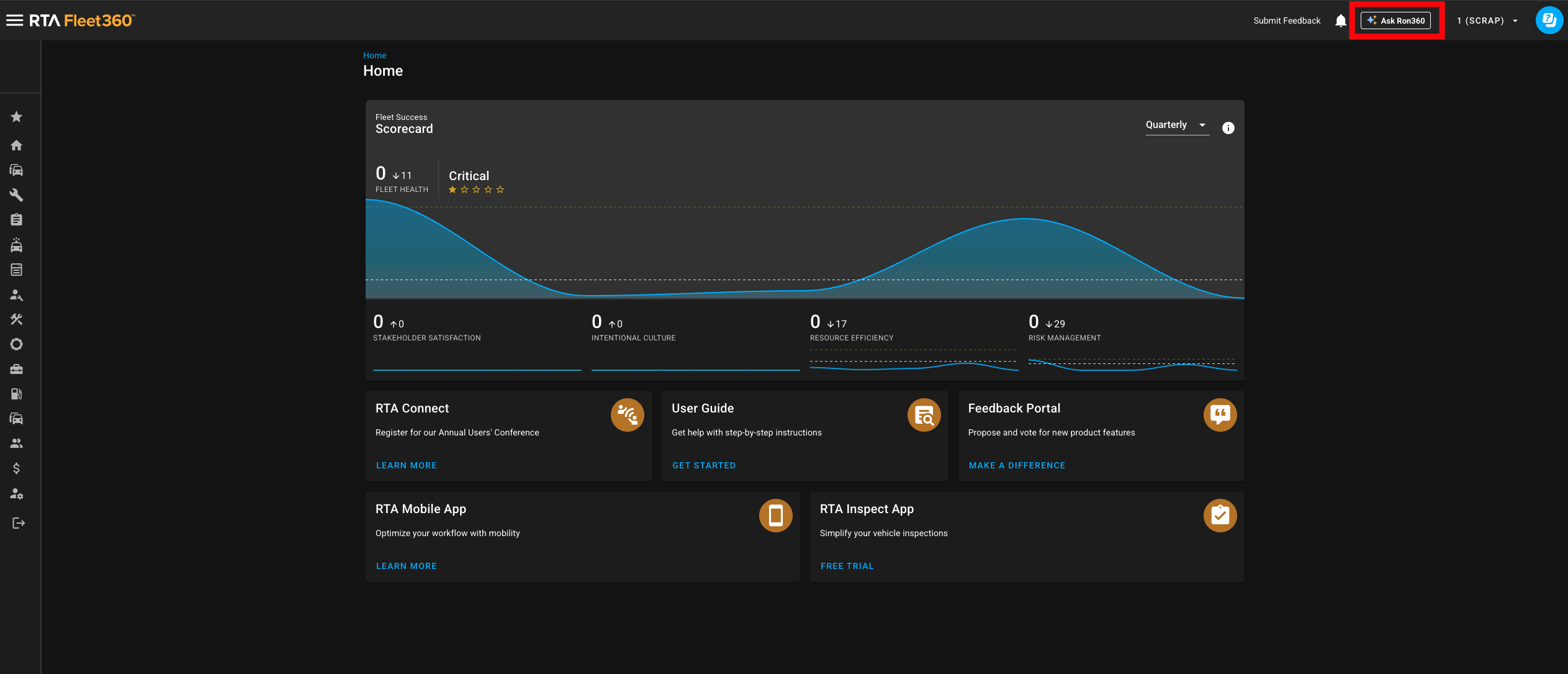
The Ask Ron360 button appears in the Fleet360 app bar when AI is enabled for your tenant and your user has access.
To open Ron360:
Log in to Fleet360.
Select the tenant and facility you want to work in.
Click Ask Ron360 in the top app bar.
If prompted, complete the short onboarding questions so Ron360 can personalize suggested prompts.
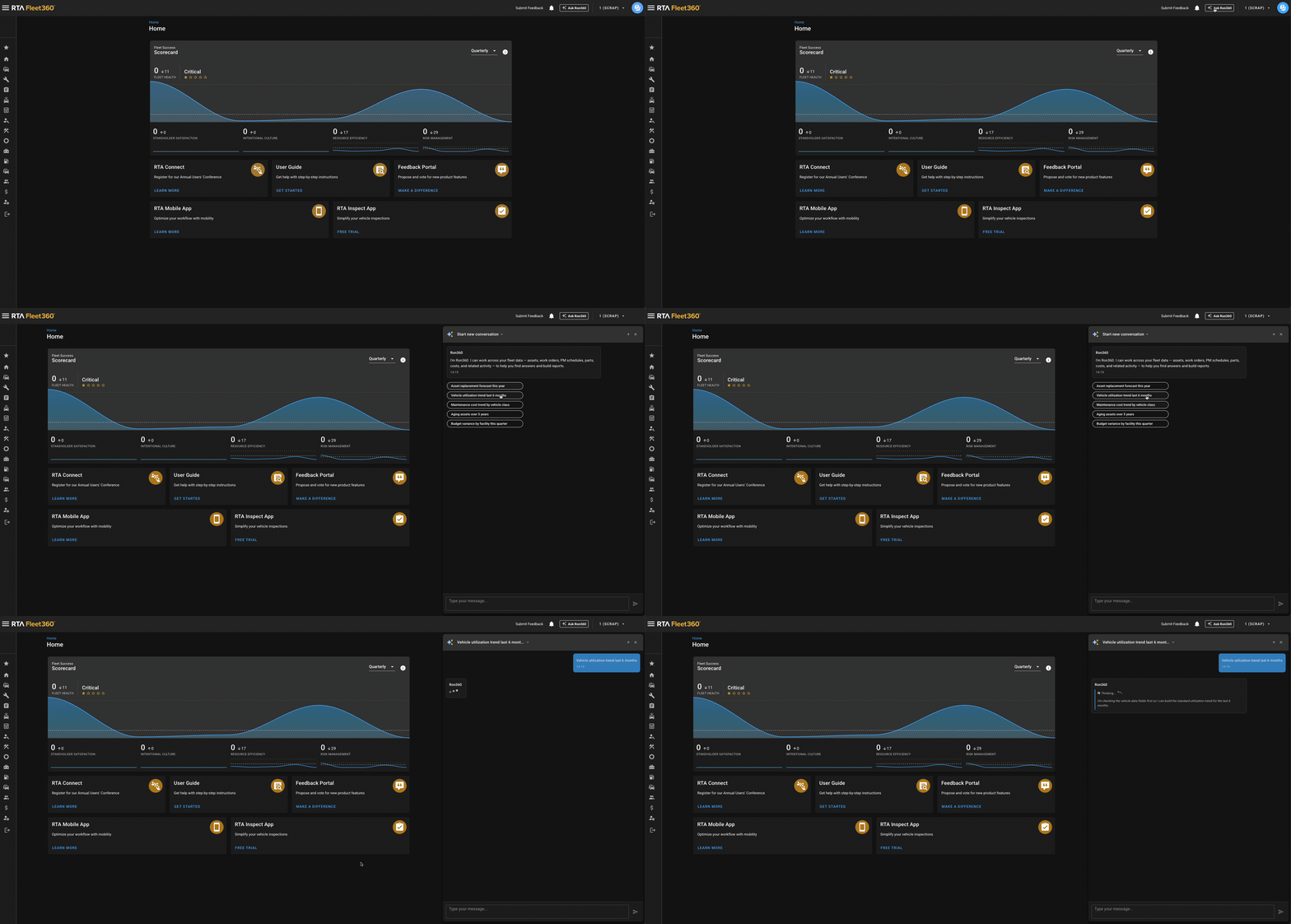
Type a question or select one of the suggested prompts.
What you can ask
Ask questions in natural language. Ron360 works best when your question includes the business area, metric, time period, and grouping you want.
What you need | Example question |
|---|---|
Asset summary | Show total assets by facility this month |
PM/service planning | Which vehicles are due for service? |
Work order productivity | Work orders completed this week by technician |
Fuel trend | Fuel consumption trend for the last 6 months |
Parts usage | Which parts had the highest usage cost last quarter? |
Cost analysis | Show maintenance spend by facility for the current year |
Tips for better answers
Include a date range, such as last month, this quarter, or 2026 year to date.
Include how you want the answer grouped, such as by facility, by technician, by asset, or by vendor.
Ask for a format when it matters, such as show this as a chart or list the records in a table.
Use follow-up questions in the same conversation to refine the answer.
Remember that Ron360 only answers from data and permissions available to your user.
Starting a new conversation
Use Start new conversation when you want to ask about a different topic without carrying over context from the current chat. Use the conversation list at the top of the Ask Ron360 drawer to return to earlier chats, rename a chat, or remove an old chat.
Notes
If the AI usage allowance is exhausted, the chat panel will display a message to contact an administrator.
If you receive an unexpected or incomplete answer, ask a more specific follow-up question or provide feedback with the thumbs up/down controls.