Accident Status
Accident Status Overview
The Accident Status feature in Fleet360 allows you to create and manage custom statuses for accident records. This helps your team track accidents through each stage of their lifecycle—beyond just “Open” and “Closed.”
By defining meaningful statuses, your organization gains better visibility into where each accident stands and what actions are required next.
How to Access Accident Status Settings
Click on Accident
Click on Settings
Click on Accident Status
Create a new Accident Status
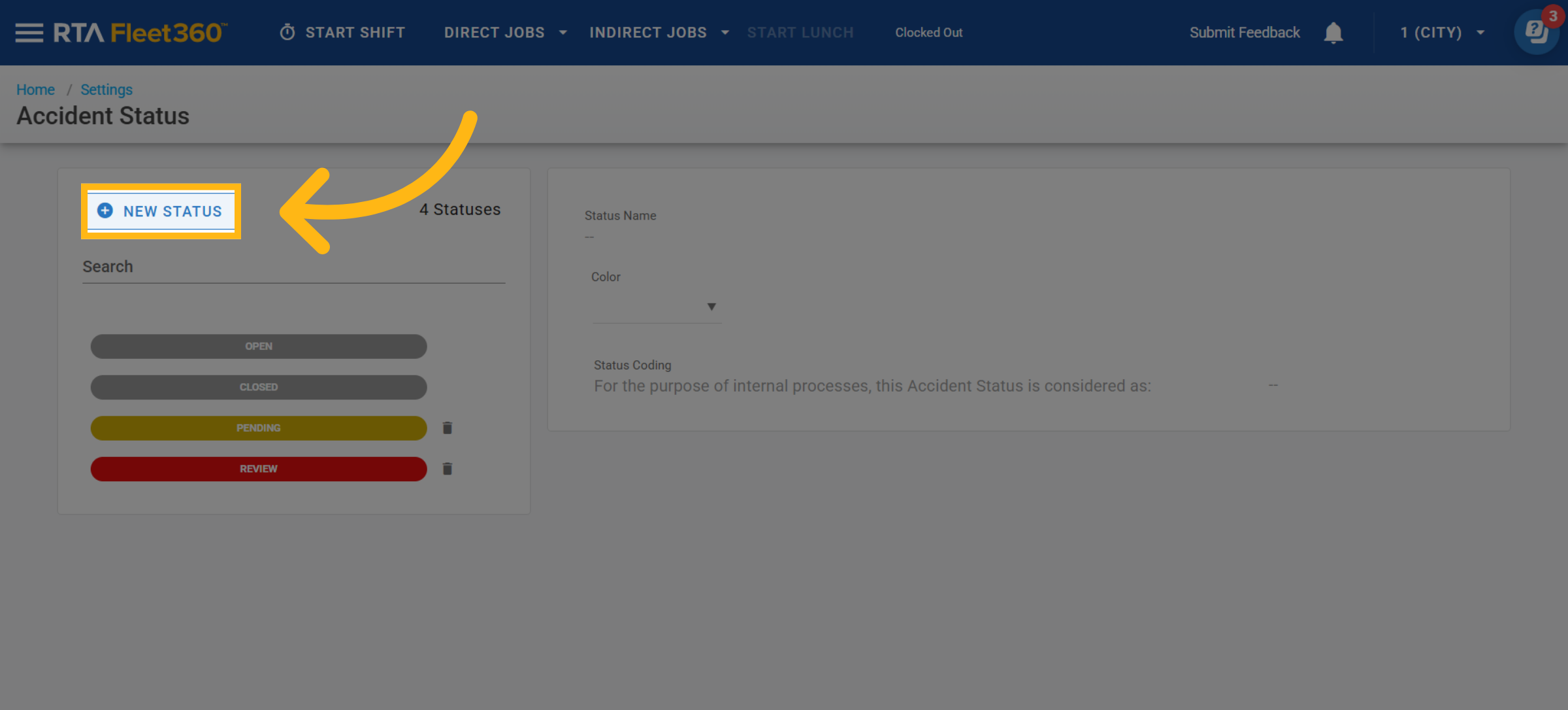
Click New Status
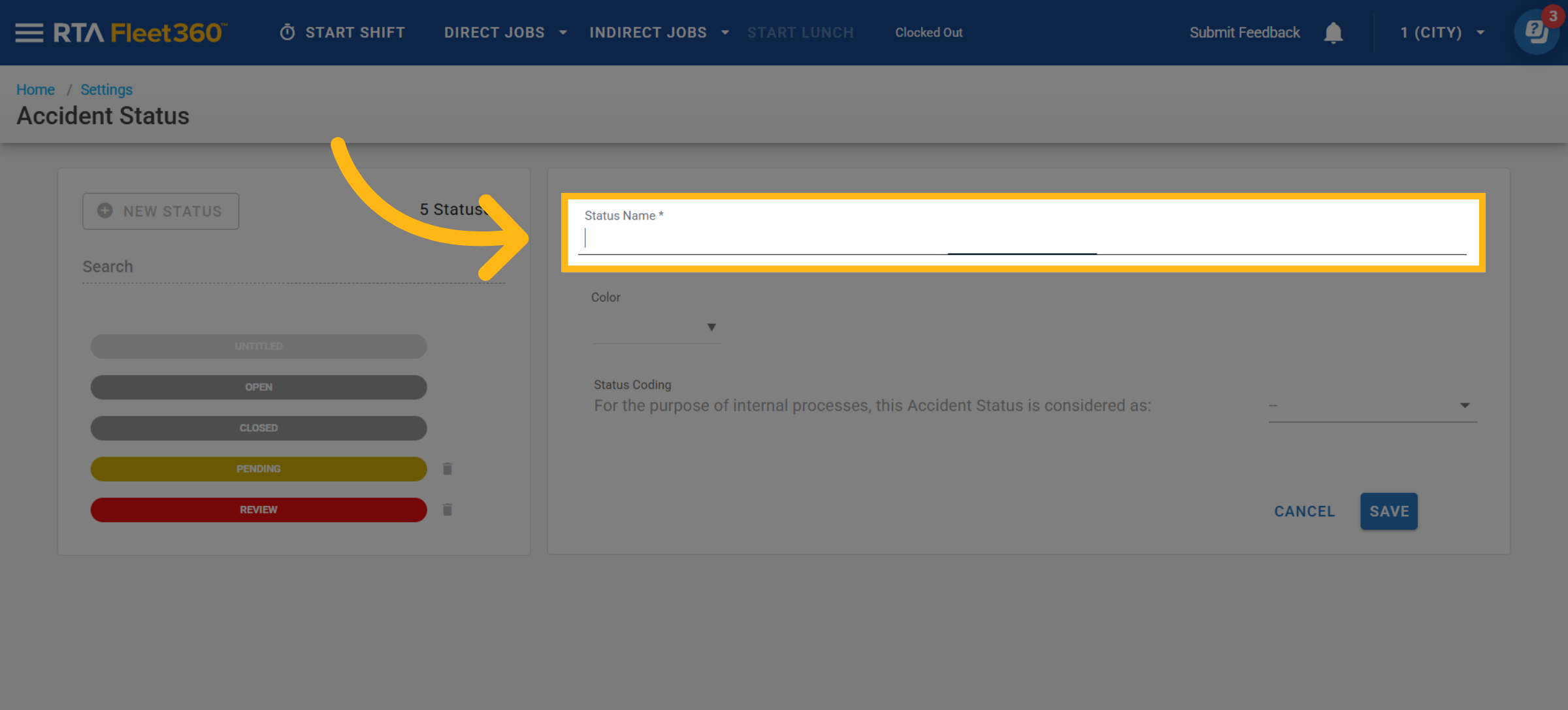
Enter a status name
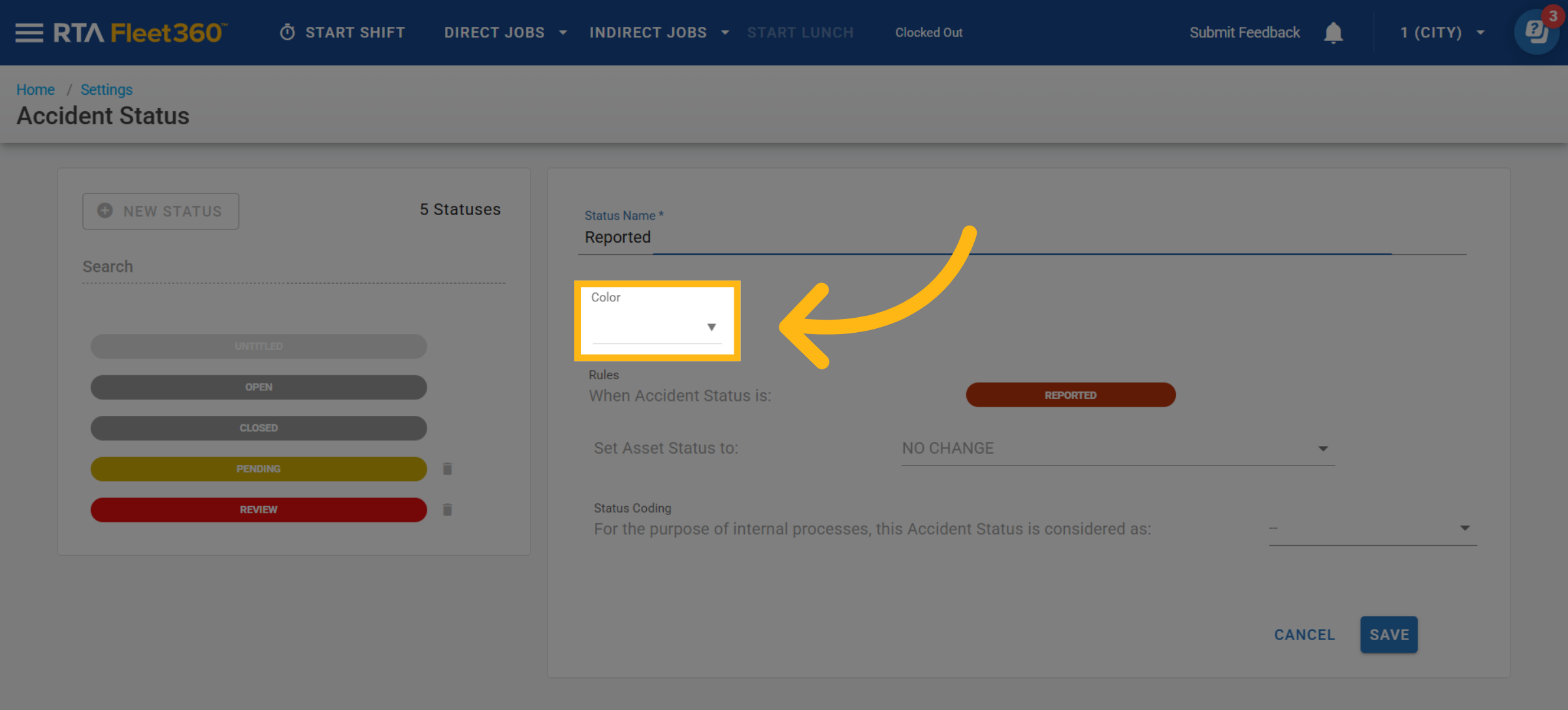
Select color
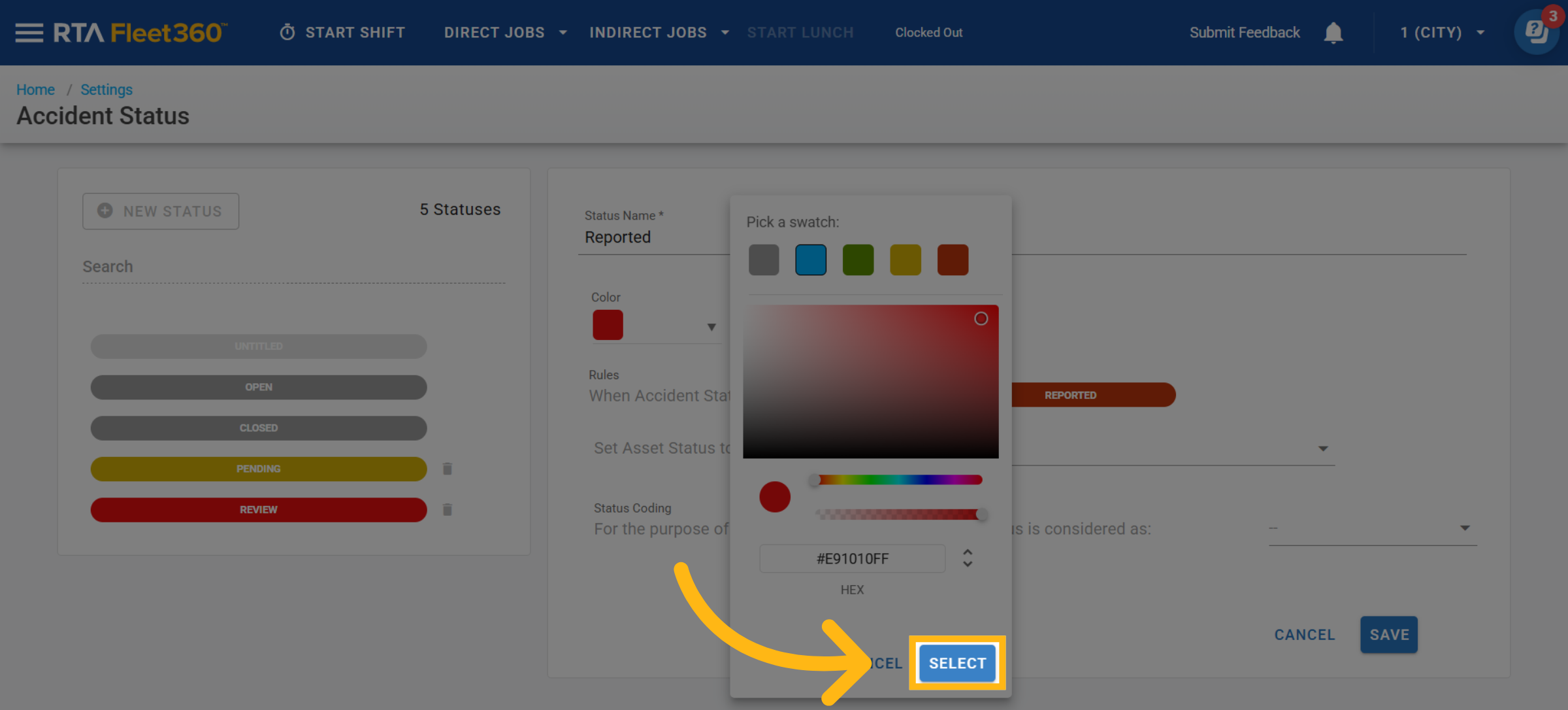
Click on Select once color is chosen
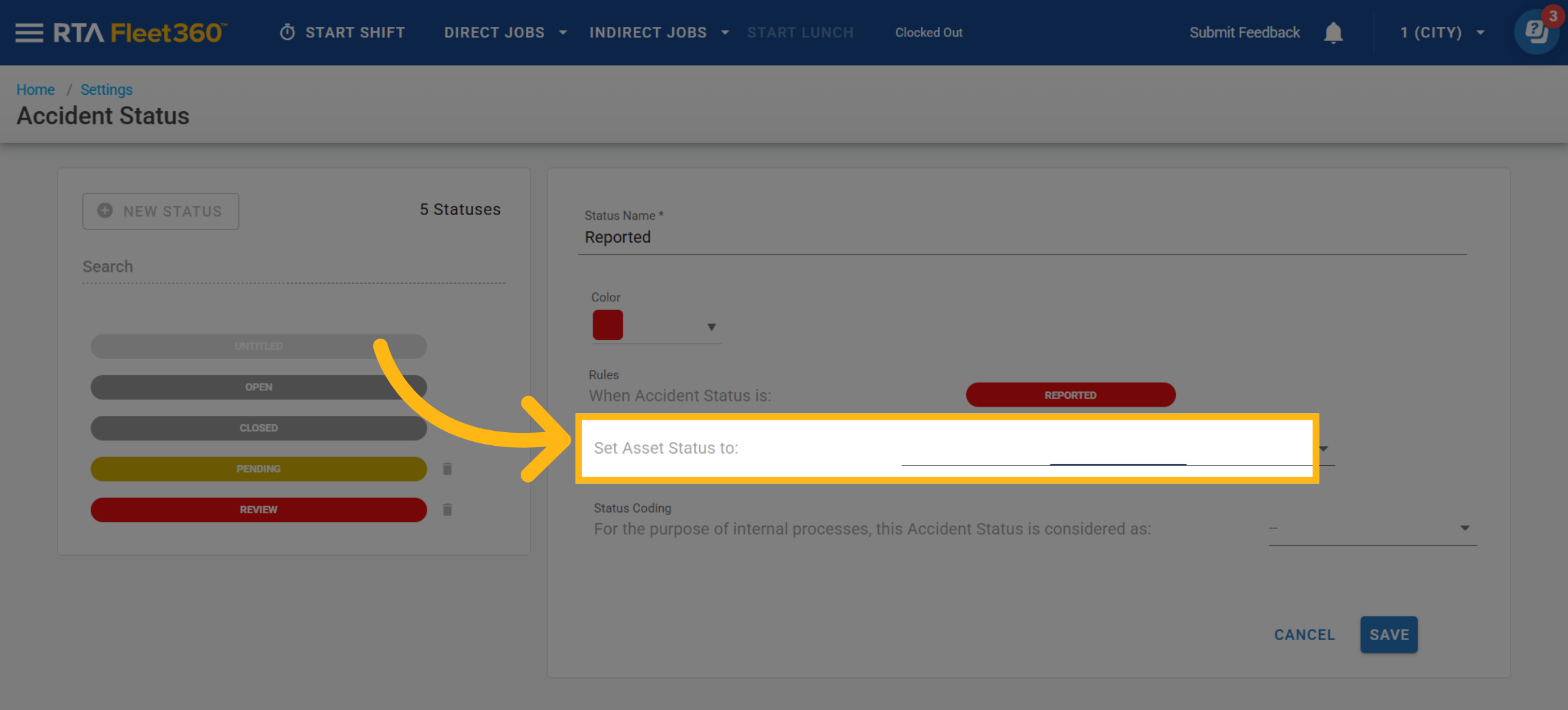
(Optional) Automatically update the vehicle’s status when this accident status is selected.
Select a corresponding Vehicle Status, OR
Leave blank to prevent updates
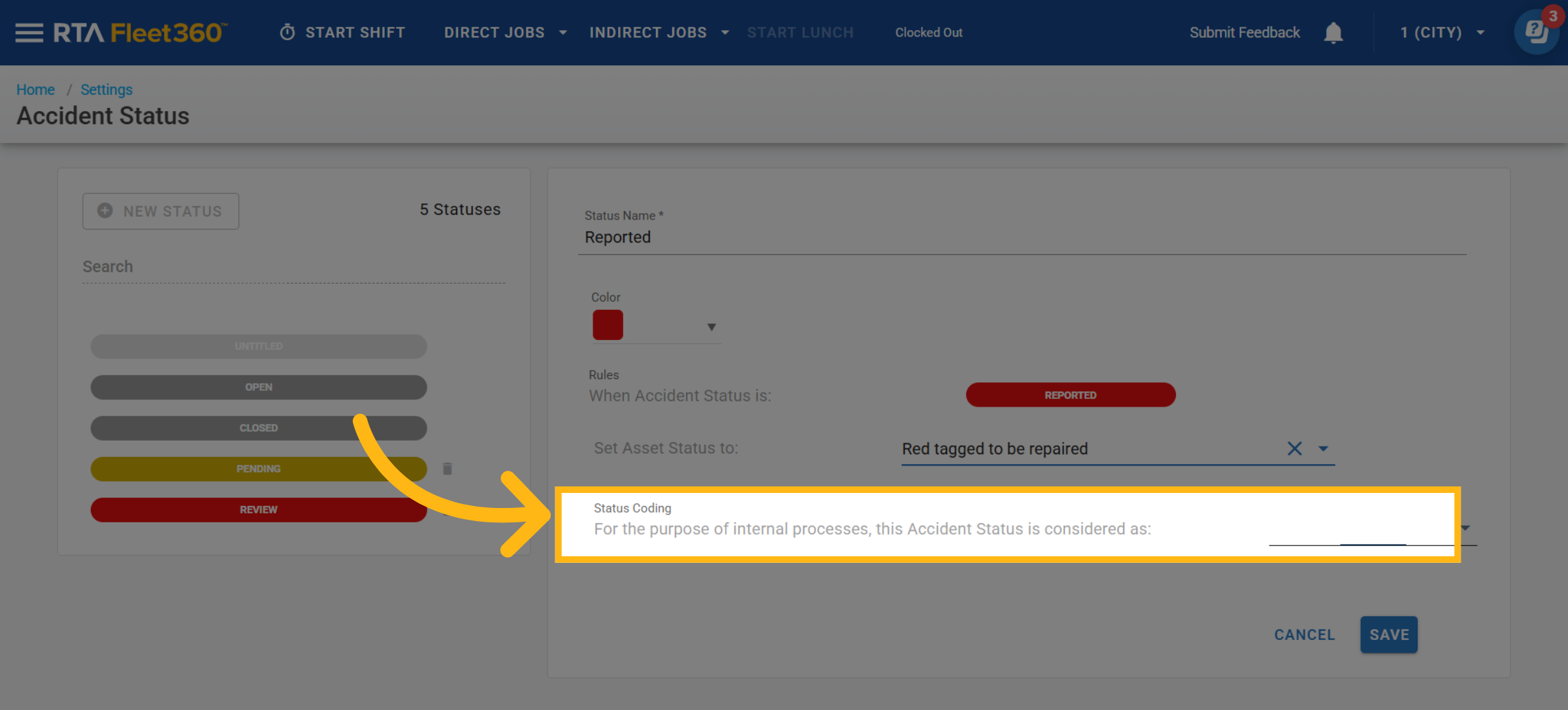
Select the appropriate Status Coding
Determines how the system treats the status:
Open – Active/in progress
Closed – Completed
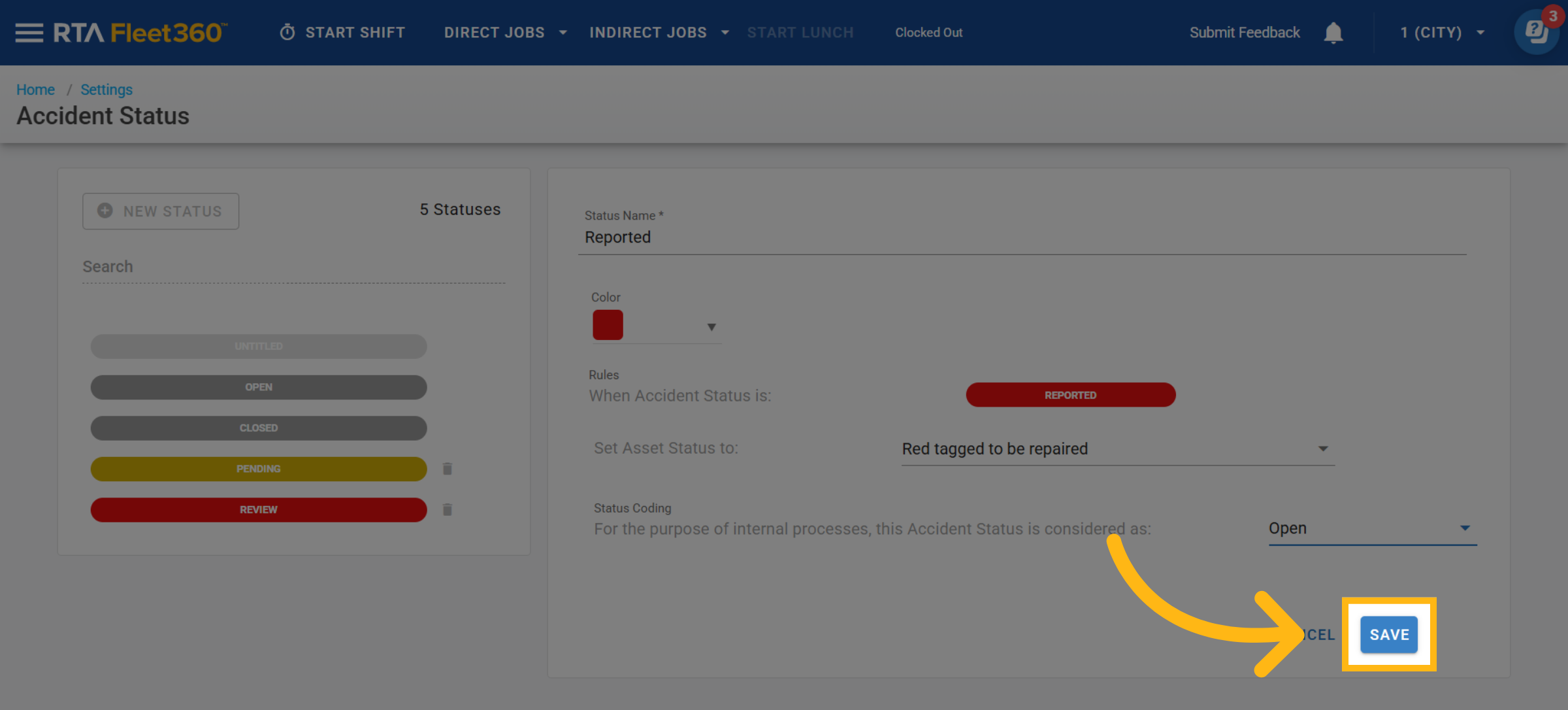
Click Save
Edit a work order status code
In the same section, click on the Accident status which you desire to edit.
Make adjustments to one or multiples of the following as needed: (Color, Asset Status Automation, Status Coding)
Deleting an Asset Status
Find the status to delete in the accident status list
Click on the trashcan icon next to the status to be deleted.
This action removes the status as an option to add to accidents going forward, though any accident file that currently has that status applied will remain in that status until it is changed.