
Closing Purchase Orders
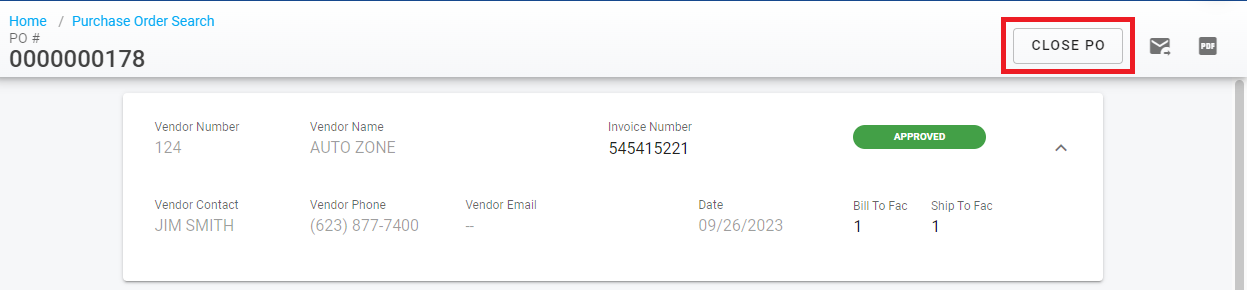
When lines have been received, they should be disabled. When all lines have been marked as received, a popup message will ask the user if the PO should be closed. Clicking 'Keep Open' will still mark the line as received, but will not close the PO. Clicking 'Close' will Close out the PO.
Received a PO in error? Cleaning up before closing
Fleet360 keeps purchase order and receipt history for audit purposes - there is no self-service option that deletes a whole PO record once it has receiving activity. To back out a PO received in error:
Reverse the incorrect receipt(s) from the PO’s Receipts tab. Reversing keeps the audit trail - the receipt stays listed, marked Reversed. See Purchase Order Receipts.
Correct the PO lines if needed. Deleting a PO line is line-level only - the line leaves active use but a record that it existed remains, and the Delete Purchase Orders permission governs line deletion, not purging a whole PO. See Purchase Order Lines.
Close the PO as described above once the lines and receipts are corrected.
Starting over: create the replacement PO, then add a PO Master Notes entry on the original PO recording that it was reversed/closed and replaced by the new PO number - this keeps the audit trail clear for anyone who finds it later.
PO shows Closed but still appears on an Open list or report
Do not reopen and re-close the PO as a first step. First check that the report or list is current and its filters/date range are what you expect. If the PO record itself is Closed but it still appears as Open or Partial on the Purchase Orders - Open report or an open-PO list, send it to Support - that is a status and report discrepancy, not something reclosing will fix.