
Form Entities
Form Entities is a way to build custom forms which will prefill certain asset information based on the asset entered into the form. This will ensure data accuracy when forms are submitted and reduce time on clerical errors.
Creating the Form Template
Creating the Form Template is the same, for instructions on creating forms click here
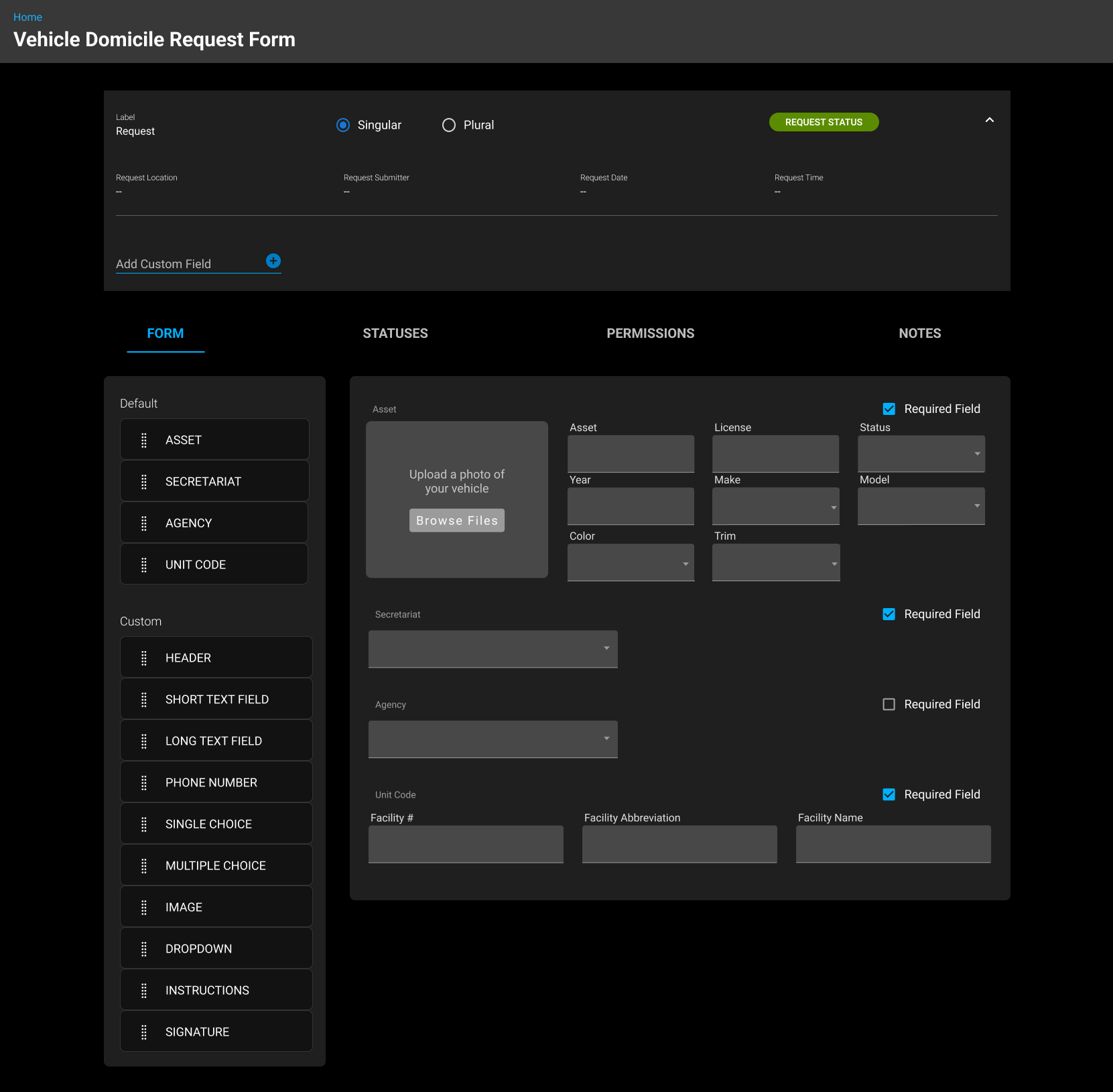
When the form template opens, you will need to add the asset field first. Once the asset field is added, the following fields will become available to add to the form:
Zone (Secretariat)
Region (Agency)
Facility (Unit Code)
The following fields will auto populate into the form once the asset field is added:
Asset - Asset #
License Plate - Plate #
Status - Current Status at the time of opening the form
Year - Year of Asset
Make - Make of Asset
Model - Model of Asset
Class Code - Class asset is assigned
These fields cannot be changed and are information only based on the current asset file information
Component
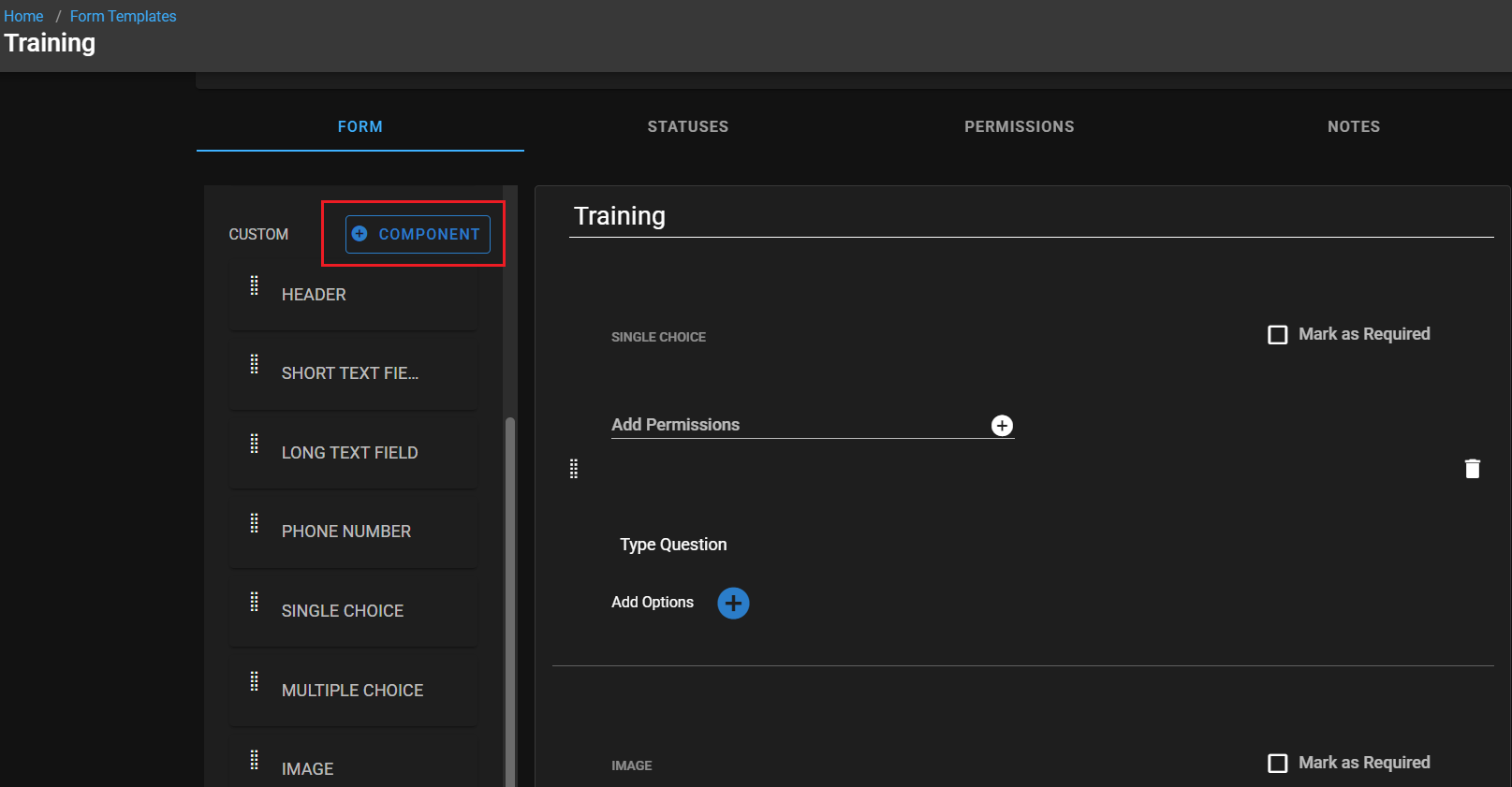
Users can now group multiple custom form fields into a single Custom Component. This allows multiple questions to be answered within one response.
Custom Components also support multiple entries, letting the same set of questions be repeated as many times as needed. To create one, give the component a label, then drag and drop the desired fields into it.
Form Submission
Submitting a Form is identical to this process: Submitting a Form
The only difference is you will be asked for the asset number first, once filled in the rest of the form will become visible with those fields prefilled.